Running the mall
Settings & rates
Back office → Settings & rates. These are your mall’s rules for splitting a sale. Changing them never rewrites past sales — each sale keeps the rates it was made with.
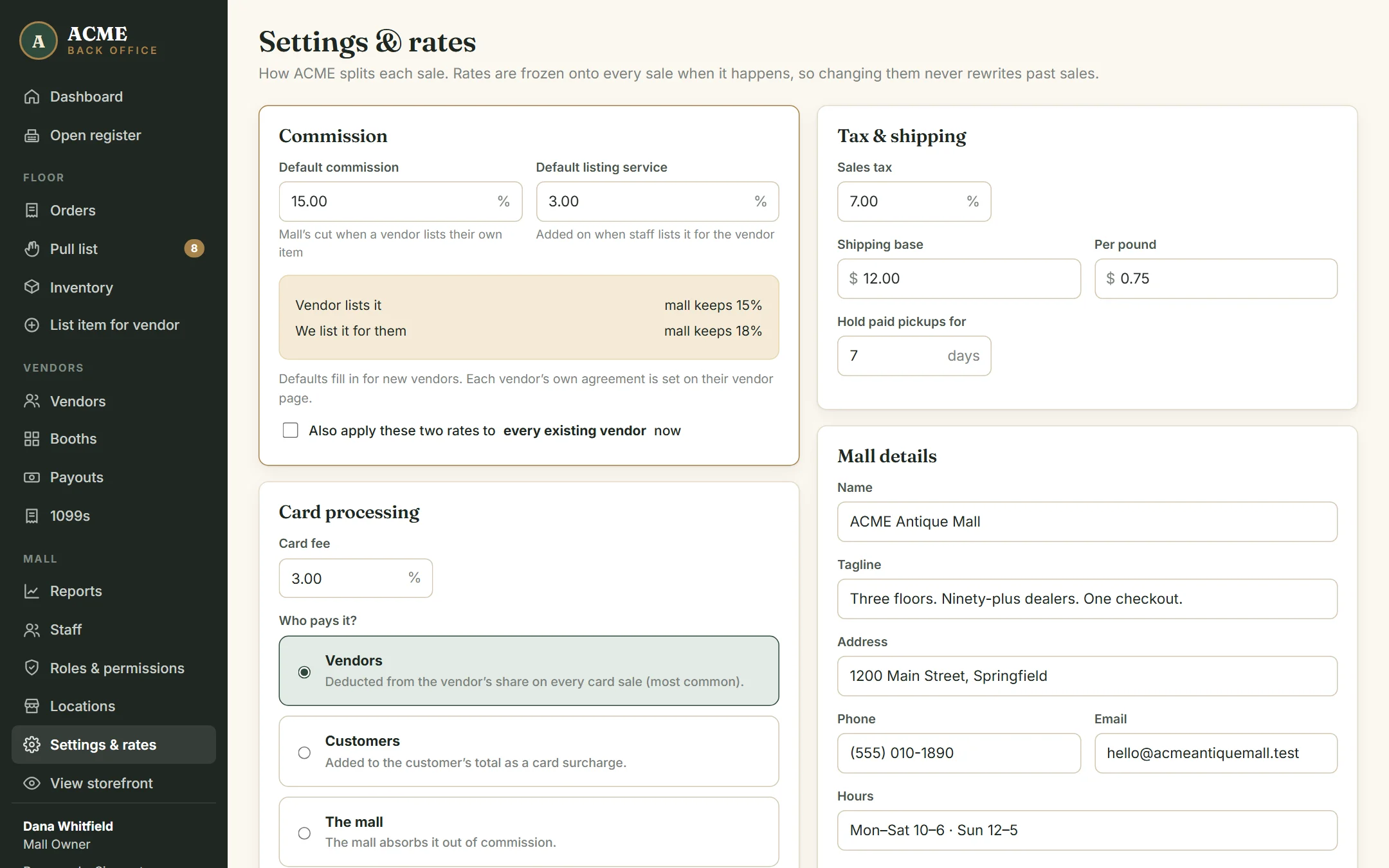
Commission
- Default commission — the mall’s cut when a dealer lists an item themselves (for example 15%).
- Default listing service — the extra percentage added when your staff lists an item for a dealer (for example 3%, making 18%).
These defaults fill in when you add a new dealer. Each dealer’s own rates live on their dealer page, because most malls have different agreements with different dealers. Tick Also apply these two rates to every existing vendor only if you really want to reset everyone to the defaults.
Card processing
Enter the percentage your card processor charges, then choose who pays it:
| Option | What happens on a card sale |
|---|---|
| Vendors | The card fee comes out of the dealer’s share of that item. Most malls do this. |
| Customers | A card fee is added to the customer’s total at checkout and at the register. |
| The mall | Nobody is charged; the mall absorbs it from commission. |
With “Vendors”, you can still exempt an individual dealer on their dealer page. Cash and check sales never carry a card fee.
Payouts
- Pay vendors — weekly, every two weeks or monthly. This sets the default period on the Payouts page.
- Deduct booth rent from payouts — takes each dealer’s monthly booth rent out of their statement, pro-rated to your schedule (a weekly statement takes 12/52 of a month’s rent).
Tax & shipping
- Sales tax applies to every sale. Tax is collected and kept by the mall; it’s never part of a dealer’s share.
- Shipping is a base charge plus a per-pound charge, using the weight on each item (items without a weight count as 2 lb).
- Hold paid pickups for — the number of days shown to shoppers for collecting a pickup order.
Mall details
Name, tagline, address, phone, email and hours appear on your storefront, receipts and statements.
Only roles with the Change mall settings permission can open this page. See Staff, roles & permissions.